

Downloading Instagram Reels is extremely simple with the Video Saver app. Unlike other apps, you don’t need to paste the link manually. The app automatically detects the copied link and prepares it for download.
Follow these updated steps based on the app’s actual workflow:
Step 1: Open Instagram and Copy the Reel Link
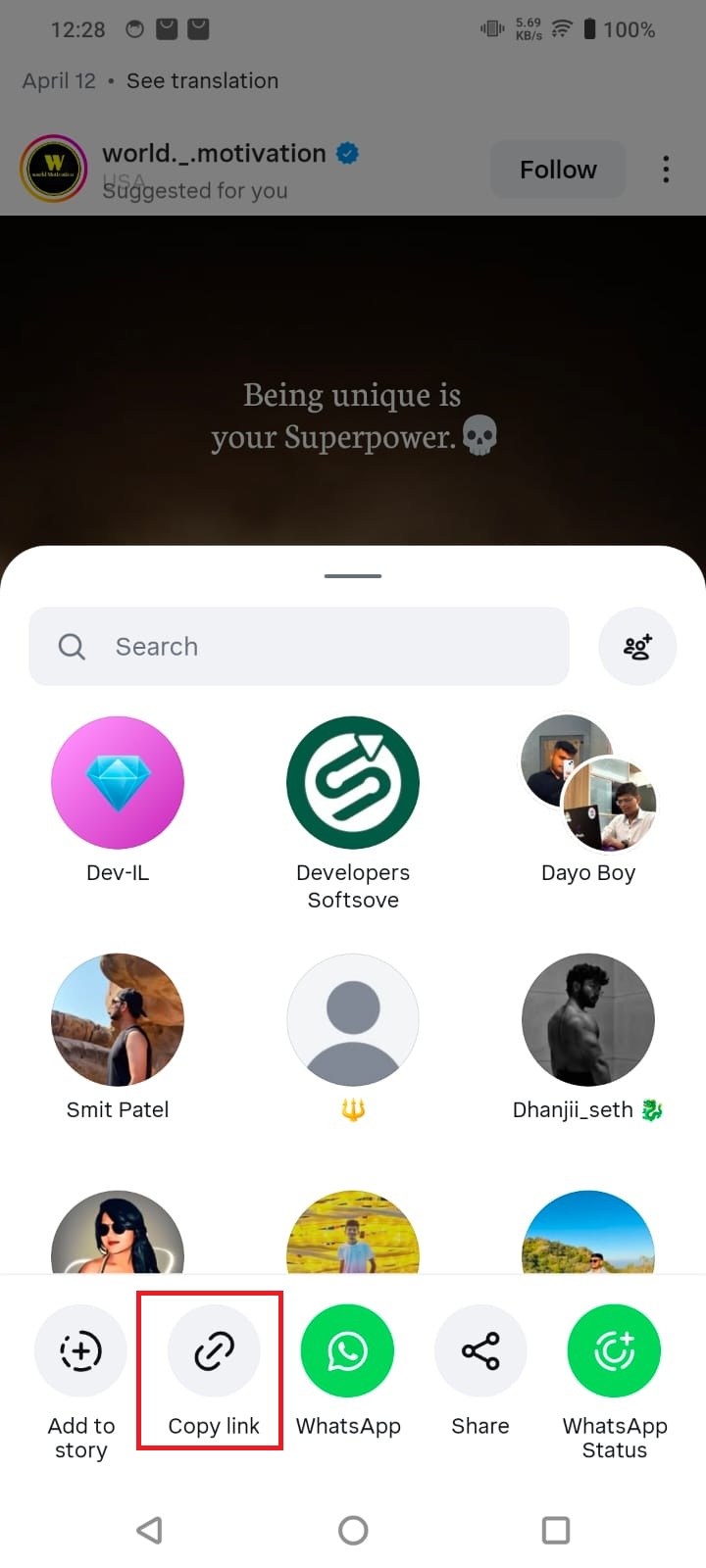
- Open the Instagram application
- Select the Reel you want to download
- Tap the Share (paper plane) icon
- Tap Copy Link
Step 2: Open the Video Saver App (Auto Detection)
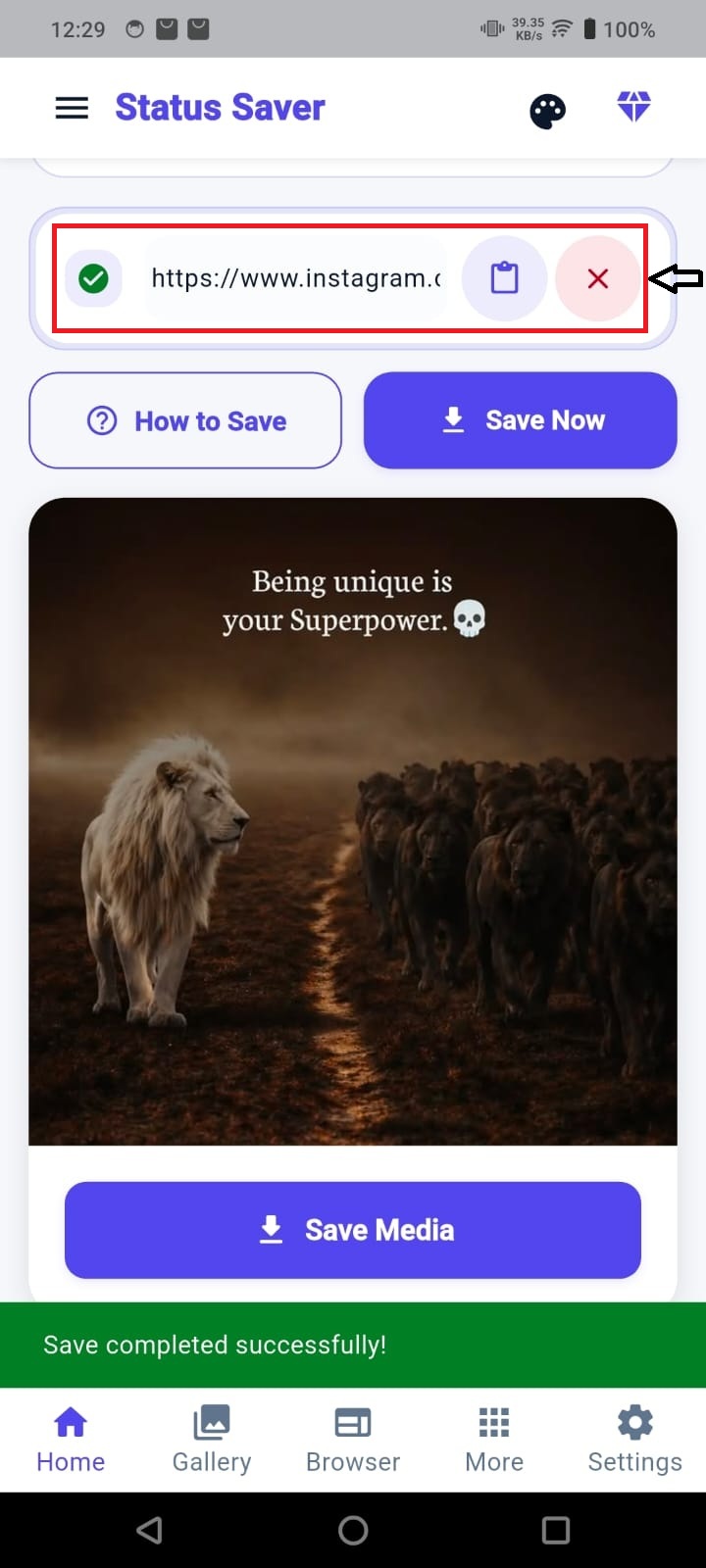
- Open the Video Saver app
- The app will automatically detect and paste the copied link
- You’ll see the link already filled with a green checkmark
- No manual paste required
Step 3: Tap on “Save Media"
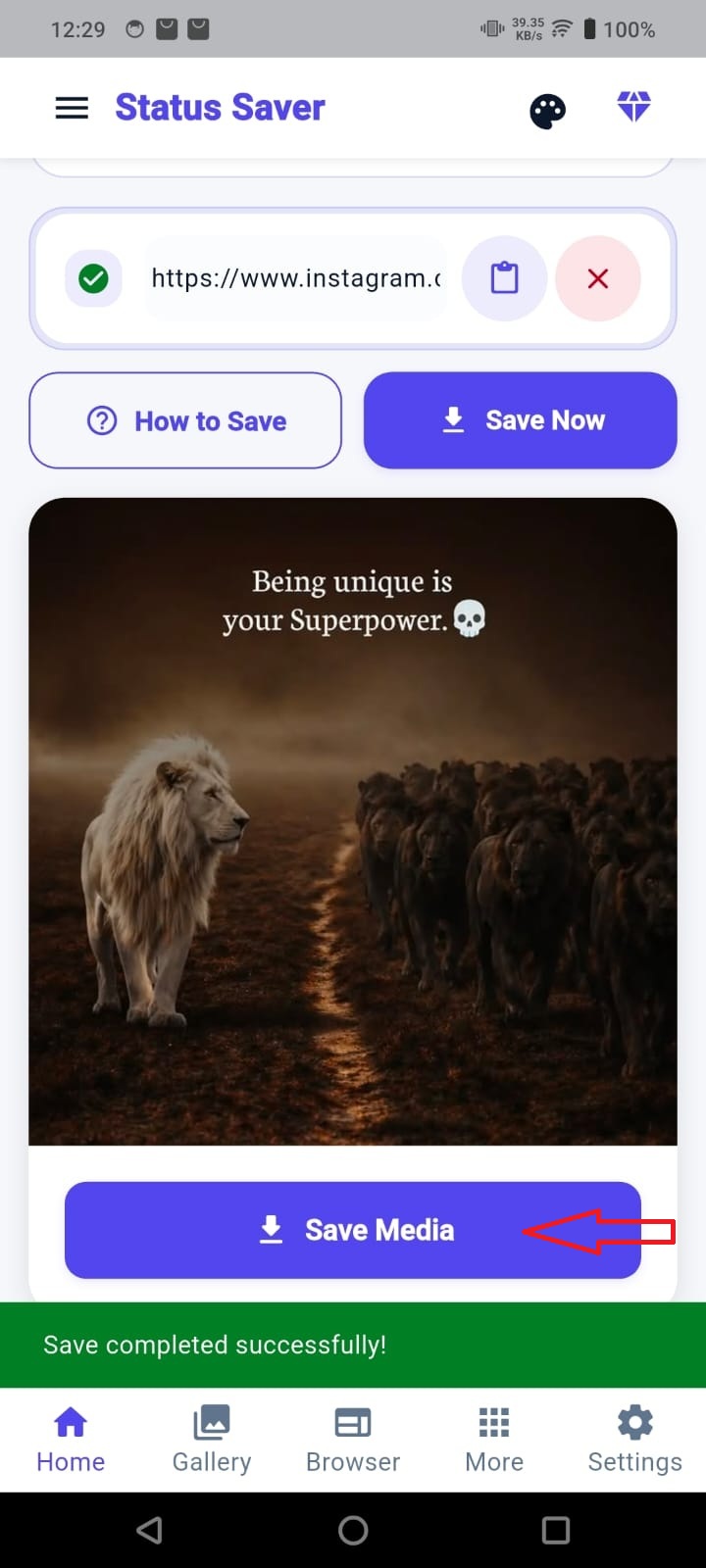
- Tap the Save Now button
- The app will instantly process the reel
Step 4: View in Gallery
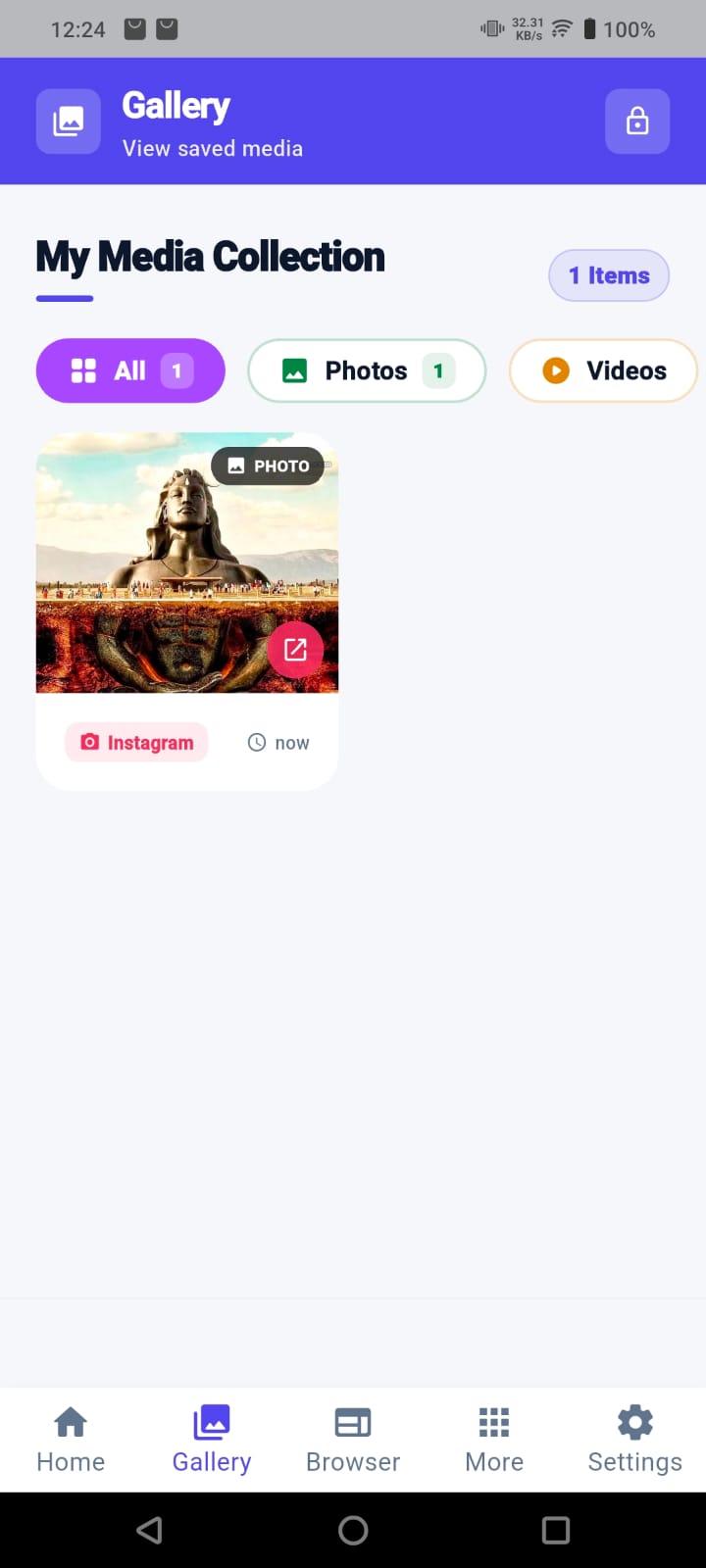
- Go to the Gallery tab
- Open My Media Collection
- Access all saved reels anytime
Download More Than Just Reels
With the same steps, you can download:
- Instagram Reels
- Photos and image posts
- Videos
- Carousel (multiple image/video) posts
This makes the app a complete solution for saving all types of Instagram content.
Why This App is Faster Than Others
- No need to paste links manually
- Automatically detects copied Instagram URLs
- One-tap download process
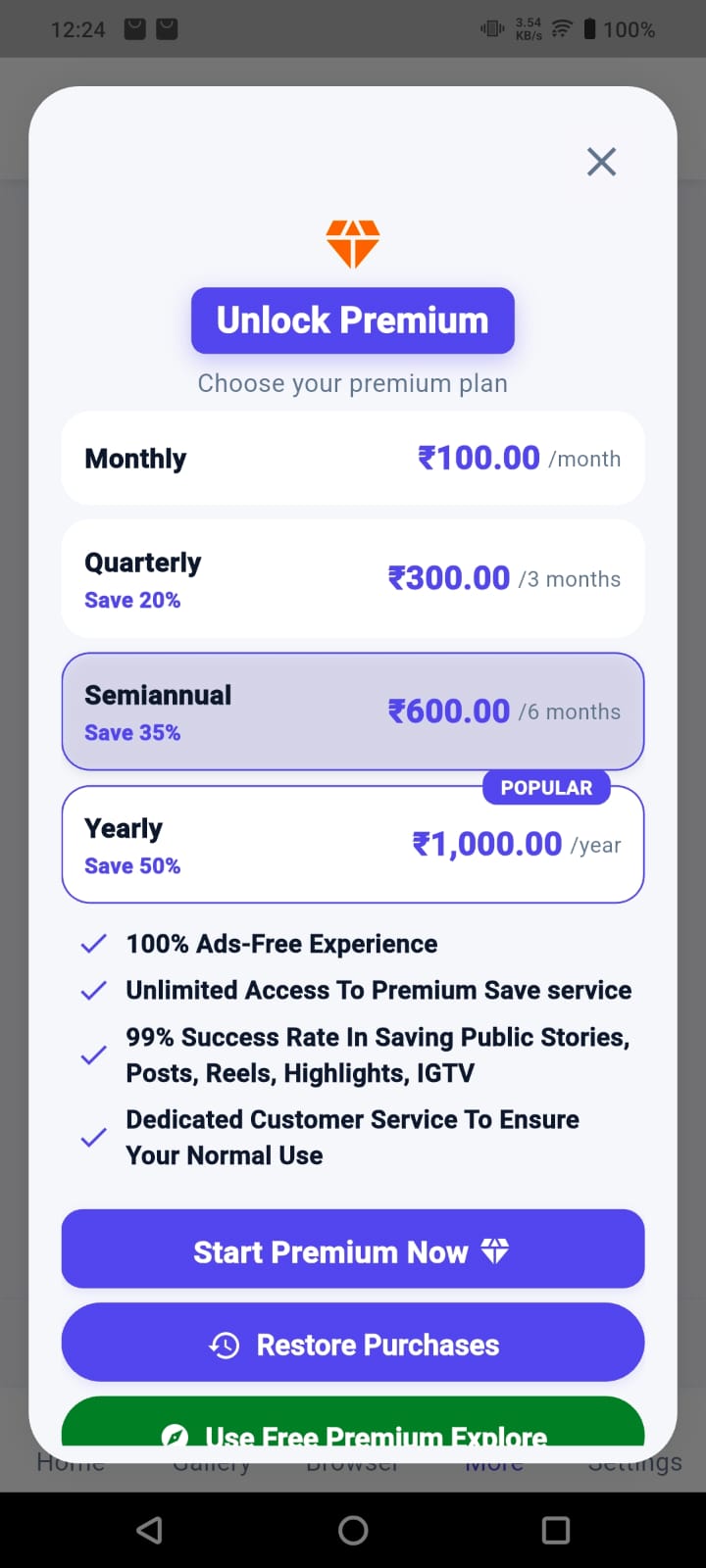
Premium Plan Benefits
The app also offers a premium upgrade for users who want a smoother and faster experience.
With the premium plan, you get:
· Ad-free experience
· Faster download speed
· Unlimited downloads
· Improved success rate
· Better overall performance
· Clean and beginner-friendly interface
Pro Tip
Just copy the link and open the app. The app handles everything automatically, making the process faster and easier.
FAQs
Do I need to paste the link manually?
No, the app automatically detects copied links.
Does this work for all reels?
Yes, as long as the reel is public.
Where is the video saved?
It is saved in the app’s Gallery and your device storage.